
NORTHERN LIGHTS NEWS
IMPORTANT UPCOMING DATES
November 24 – Online School Council Meeting
November 26 – 4:30 – 7:30 – Evening Parent/Teacher/Student Learning Conferences
November 27 – 9:00 – 2:00 – No School for Students. Daytime Parent/Teacher/Student Learning Conferences
December 2, 9, 16: SPIRIT DAY: Wednesday Winter Wear Days
WHY ATTEND THIS WEEK’S PARENT/TEACHER/STUDENT LEARNING CONFERENCES?
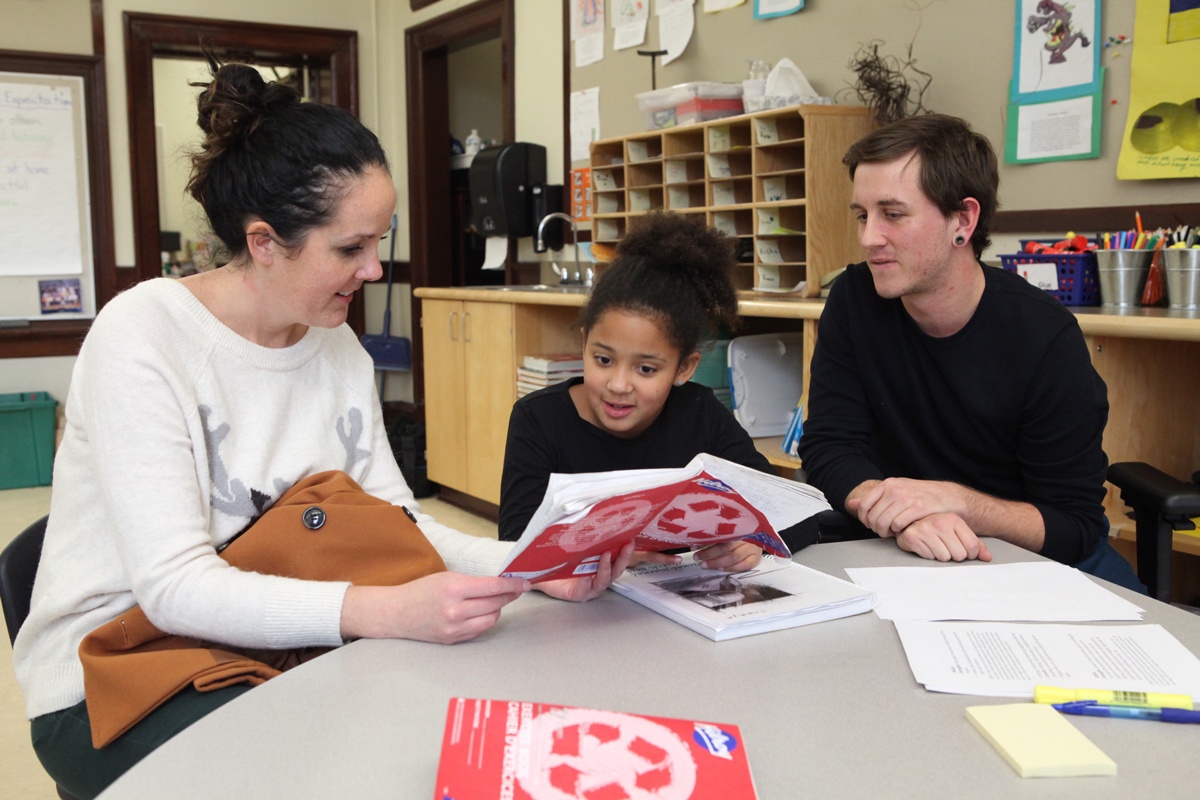
Parent/Teacher/Student Learning Conferences are an important opportunity to celebrate your child's successes and strengthen the partnership between home and school. We encourage all families to attend so you can:
-Celebrate Your Child's Growth
Learn about your child's strengths, accomplishments, and the progress they have made since the start of the school year.
-Set Goals Together
Conferences provide an opportunity for students, families, and teachers to discuss learning goals and identify ways to support continued growth and success.
-Hear Your Child's Voice
Students are encouraged to participate in the conversation, share their learning, and reflect on their achievements and areas for growth.
-Build Strong Home-School Connections
When families and teachers work together, students benefit. Conferences help strengthen communication and create a shared understanding of how to support your child's learning journey.
-Ask Questions and Stay Informed
This is a valuable opportunity to learn more about classroom expectations, curriculum, routines, and any supports that may help your child thrive at school.
We look forward to welcoming you and working together to support your child's success. Thank you for taking the time to be an active partner in your child's education! (If you haven’t booked a time yet, please do so as soon as possible.)
HOW TO BOOK A PARENT/TEACHER CONFERENCE
1. Log-in to MyCBE. If you do not have an account, follow the Create a MyCBE Account instructions.
2. Click on the My School Conferences icon.
3. Click on the time slot that is available and convenient for you. Ensure pop-up windows are allowed.
4. In the pop-up window, you will choose your child (you have the option to enter the student's name), the name of the parent / guardian is pre-filled, but can also be changed.
HOW TO CREATE A MyCBE ACCOUNT (if you don’t already have one)
1. Go to www.cbe.ab.ca/mycbe and click on the “Create Parent Account” link.
Important: The email that you are using to create your account must be the same one you have provided to the school.
2. Once you have created an account, you will receive a confirmation email.
3. After your account is confirmed, you can login to the system.
SCHOOL COUNCIL
A big thank-you to all families for the continued support you give your students and our school community. Whether it's helping with school activities, supporting fun lunches and fundraising, attending events, or simply being there for your kids, it all makes a difference!
Our November Parent Council Meeting is coming up!
Tuesday, November 24
6:00 p.m.
Please click the Microsoft Teams link below to join the meeting:
November 24 School Council Meeting
Meeting ID: 259 021 963 581 653 4
Passcode: Po97XS29
Why attend? Parent Council is a great opportunity to hear what's happening around the school, share ideas, and have a voice in our school community. At this meeting, we'll talk about upcoming initiatives, school spending and funding priorities, parent advocacy, and get an update on what is happening in the school community. There will also be time to ask questions and bring forward ideas.
Everyone is welcome, and we'd love to see you there!
